
EleCCP
Food safety, traceability and operational management. Tools that make everyday food safety simpler.
Explore EleCCP
 Eleria technology · Made in Italy
Pompelm-OS is Eleria’s UI framework that brings a desktop experience to the browser. Apps, windows, widgets and settings share an environment designed to work together.
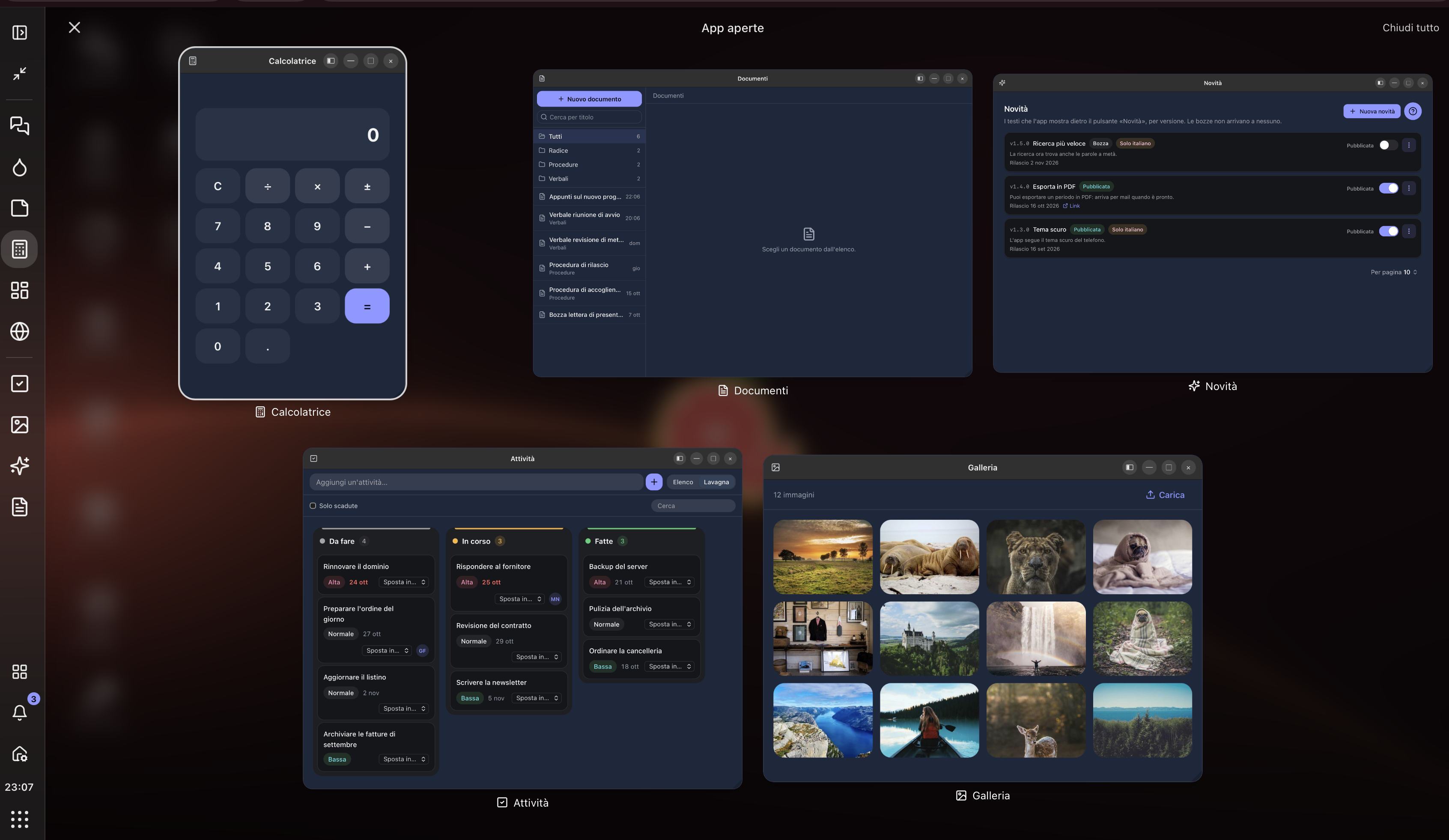
Screenshots show the Pompelm-OS demo environment with sample apps and data.
01 / Your desktop
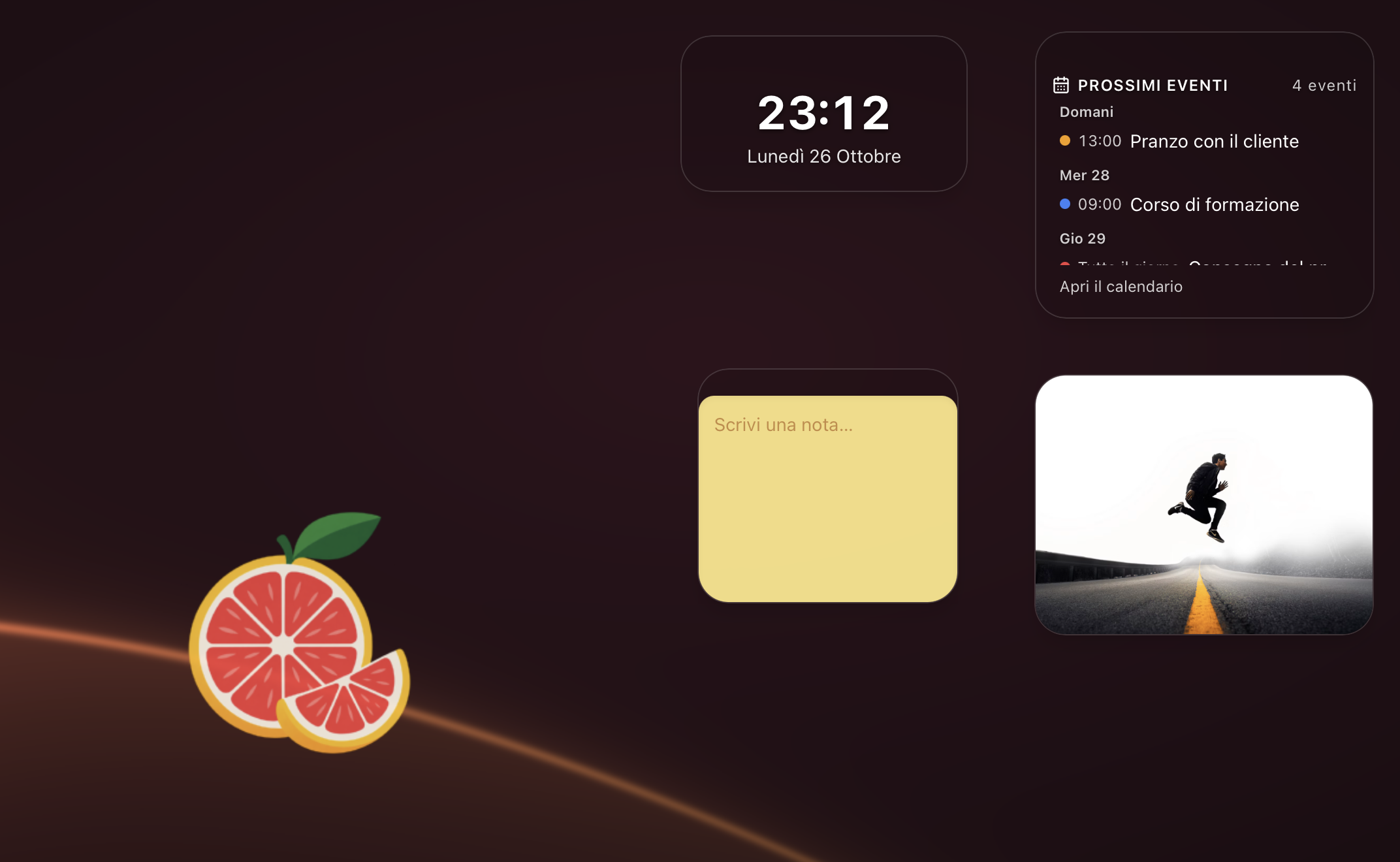
An upcoming event, a quick note, a number to keep an eye on. Widgets bring small, useful tools straight to the desktop, alongside your apps.
defineWidgetBuild React widgets with your product’s data, configuration fields and permissions. Each instance keeps its own configuration.
02 / Apps and windows
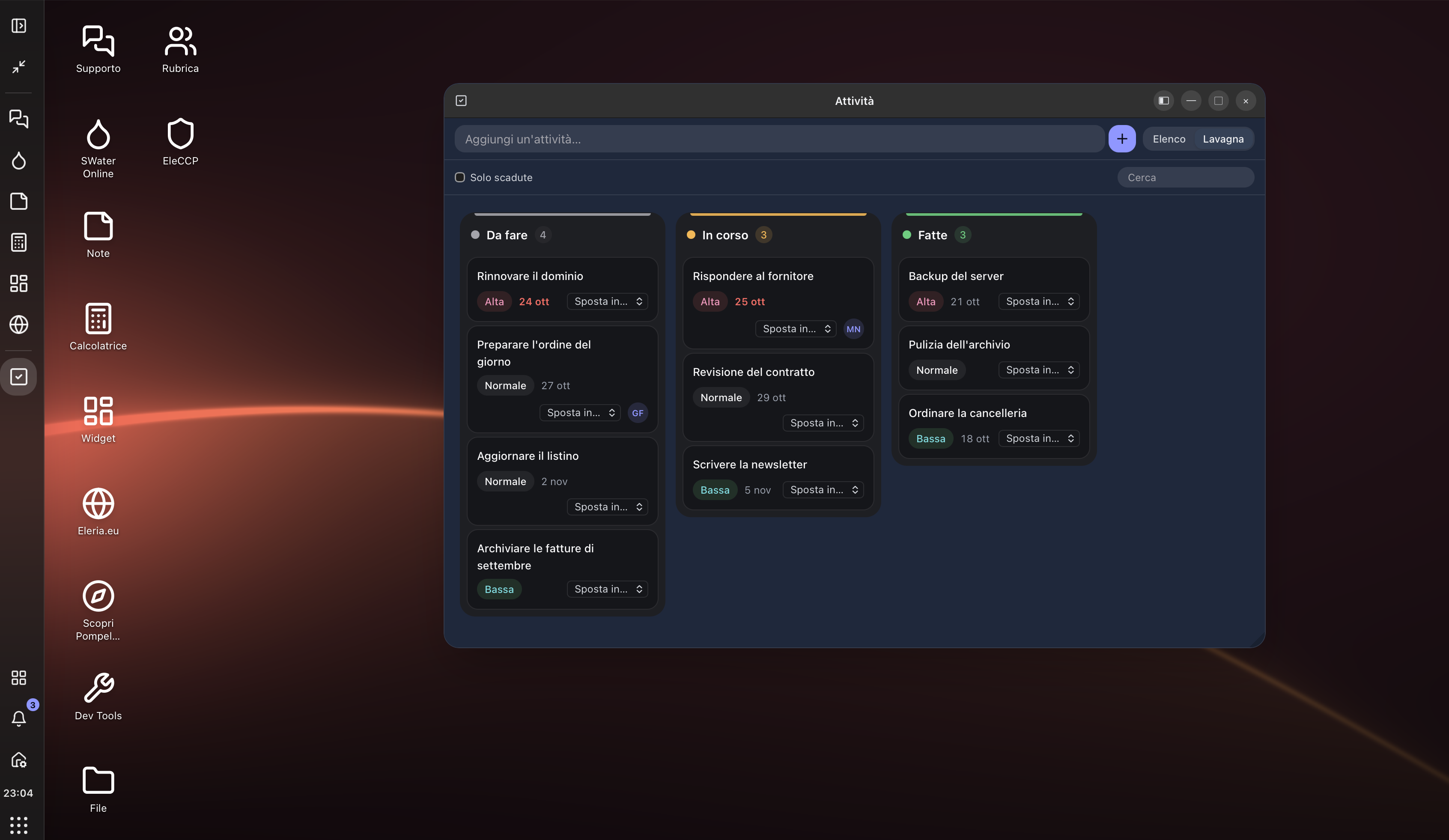
Apps open in windows you can move, resize, minimise and return to from the bar. Documents, tasks and tools stay in the same environment.
WindowTitleActionsSave, refresh, filter: add your app’s buttons to the window title bar. The framework positions them to suit the desktop style and screen.
03 / Integrated settings
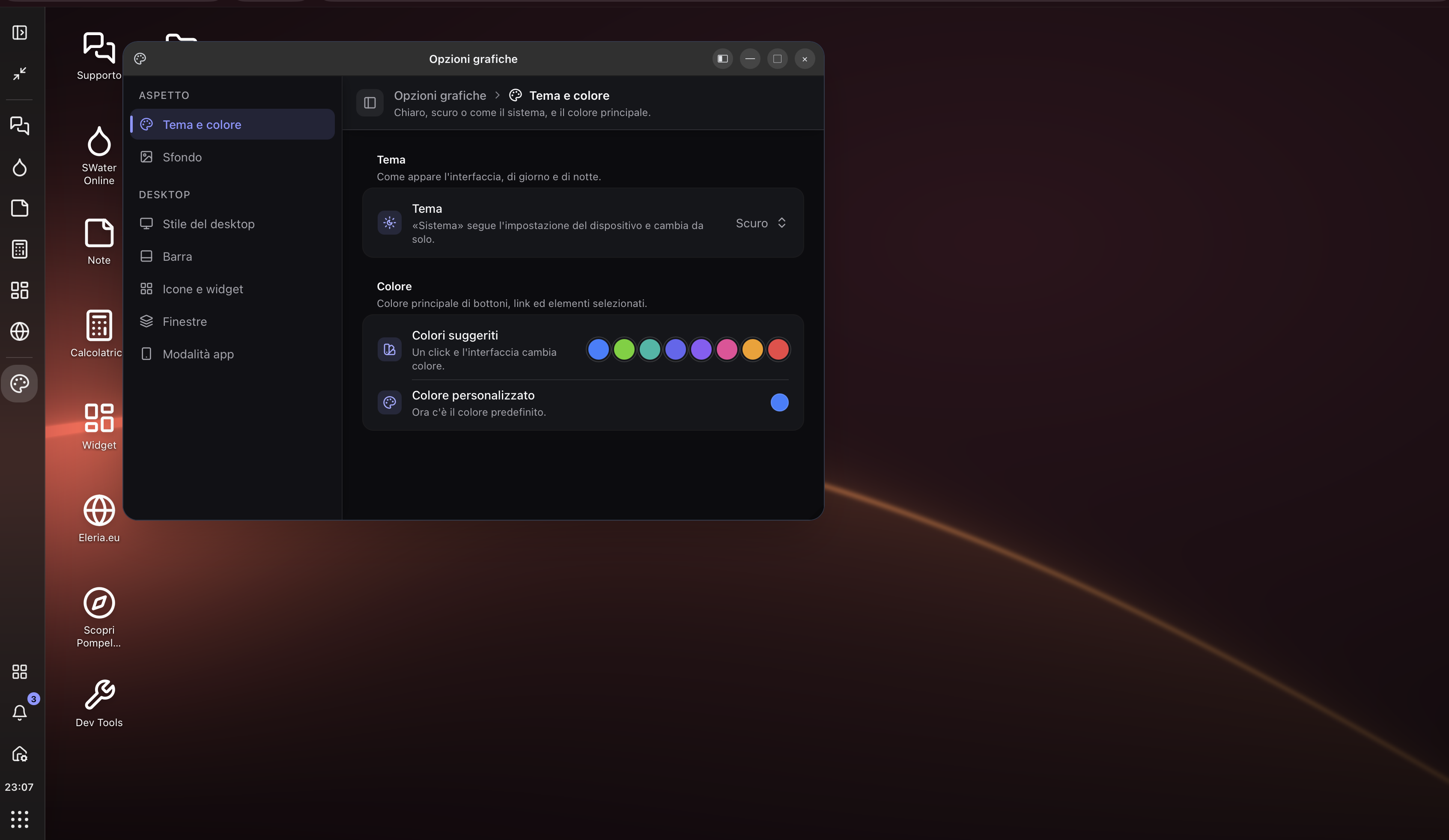
Light or dark theme, colours, wallpaper, desktop style and bar placement. Interface preferences have a clear home that is easy to find again.
defineAppSectionA product can add its own pages to Settings, such as integrations or operational preferences. Each section reads and saves its data through the product’s backend.
04 / Connected apps
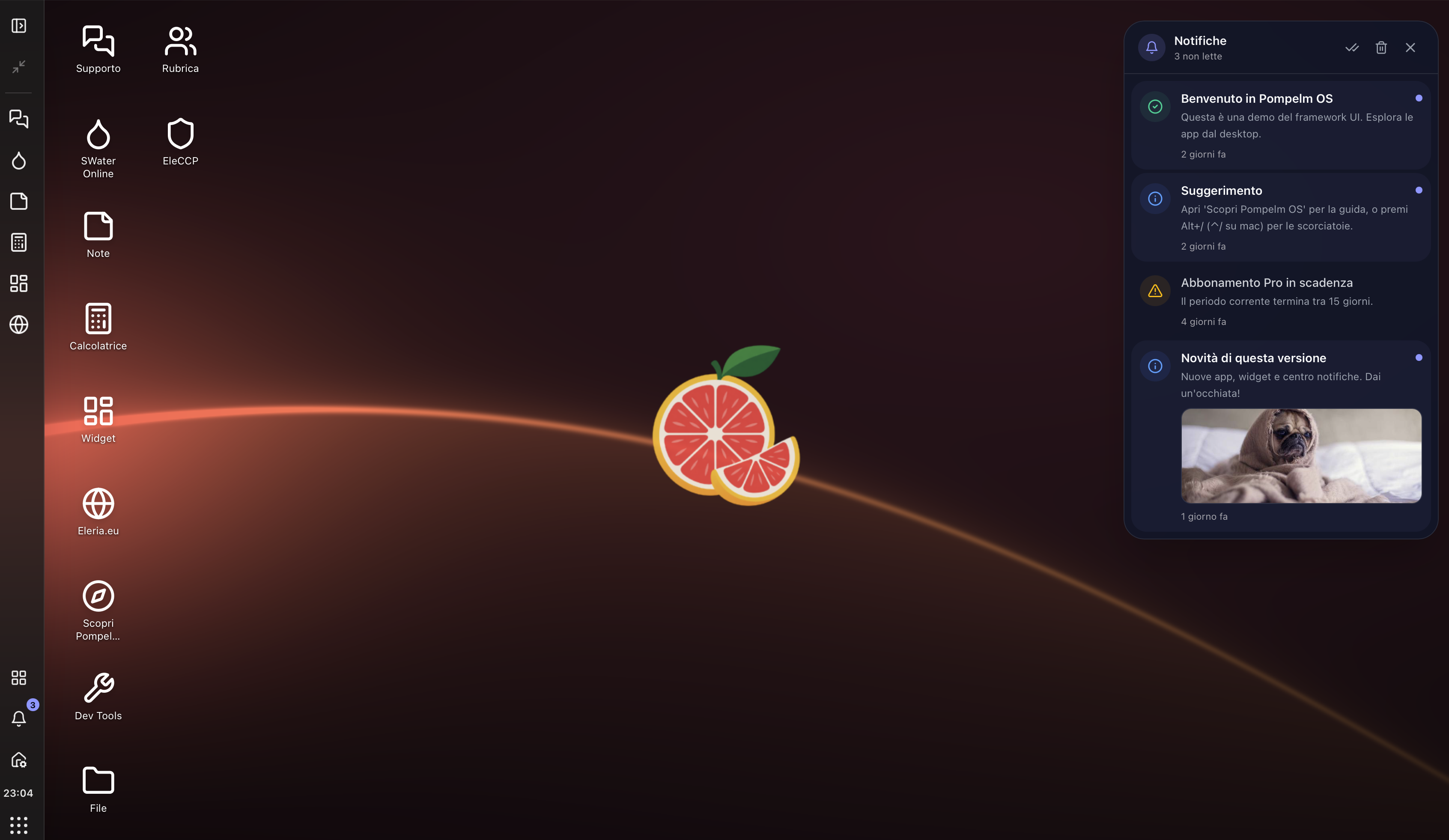
App alerts and news come together in the notification centre. A message can take you back to its source app, with the context you need to carry on.
useNotificationsApps can show notifications with a title, text, image and a link to their own view. The feed and message read status connect to the backend.
05 / On the move
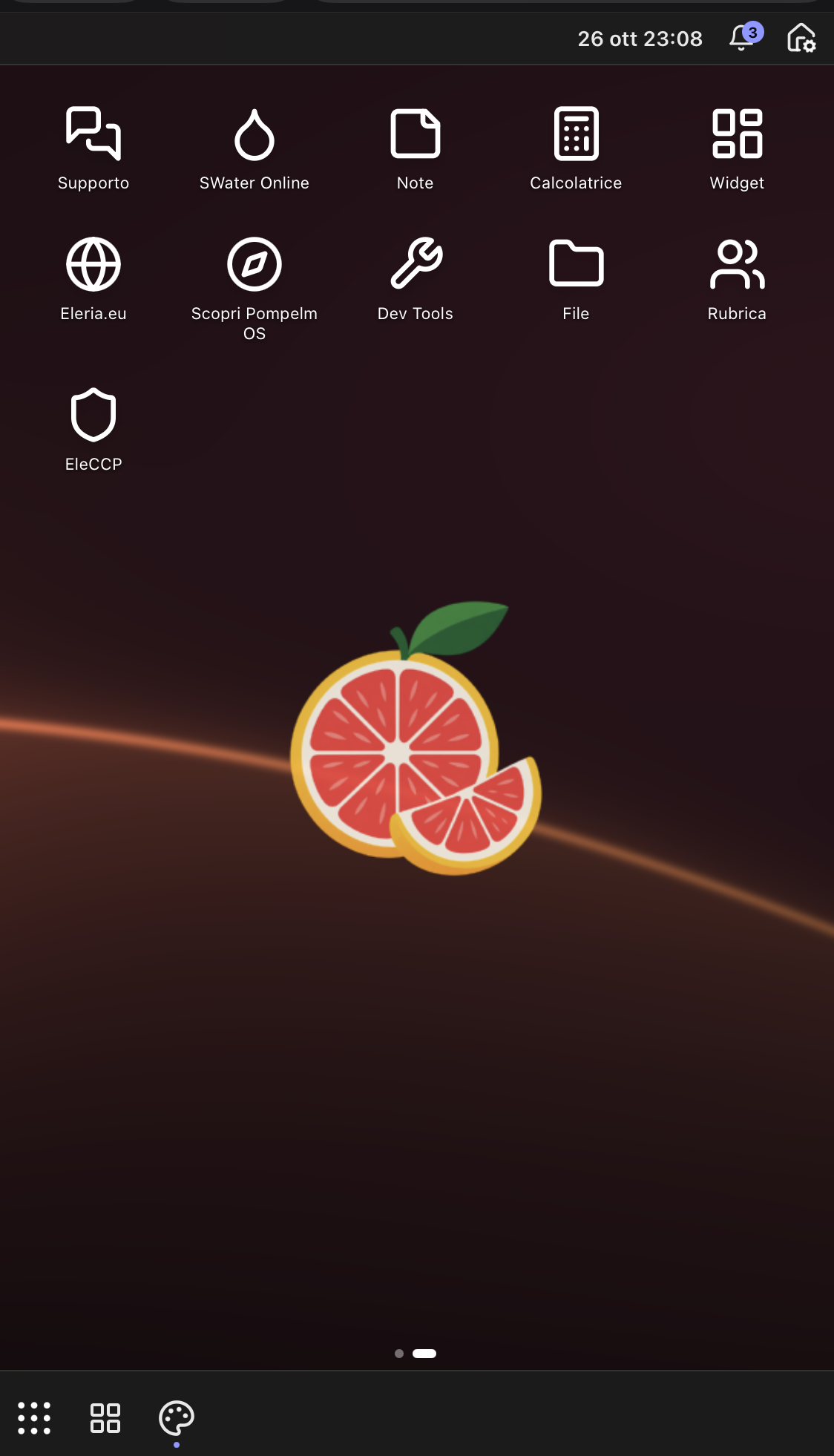
On a phone, the desktop becomes an app home screen. Navigation adapts to the display and widgets get their own page, keeping tools and information close when you are away from your desk.
Apps and widgets share the same definitions. Product developers adapt the content of their own views to make them comfortable to use on a small screen.
06 / Getting started
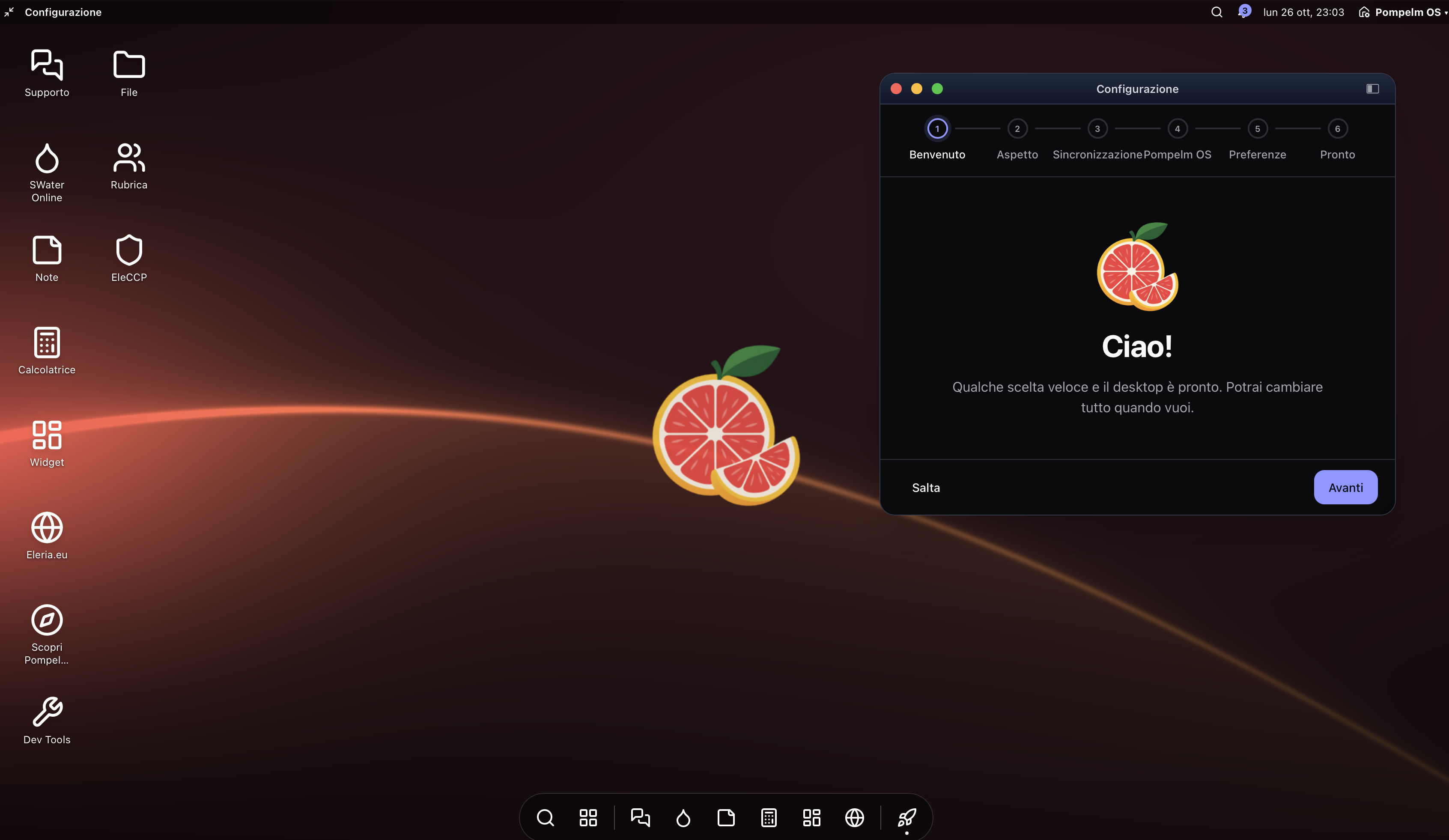
A guided setup walks through the first launch: appearance, synchronisation and preferences. Each product can adapt this journey to its own environment.
Interface preferences can connect to the user profile or a dedicated endpoint, with a choice of which settings stay on each device.
07 / Product identity
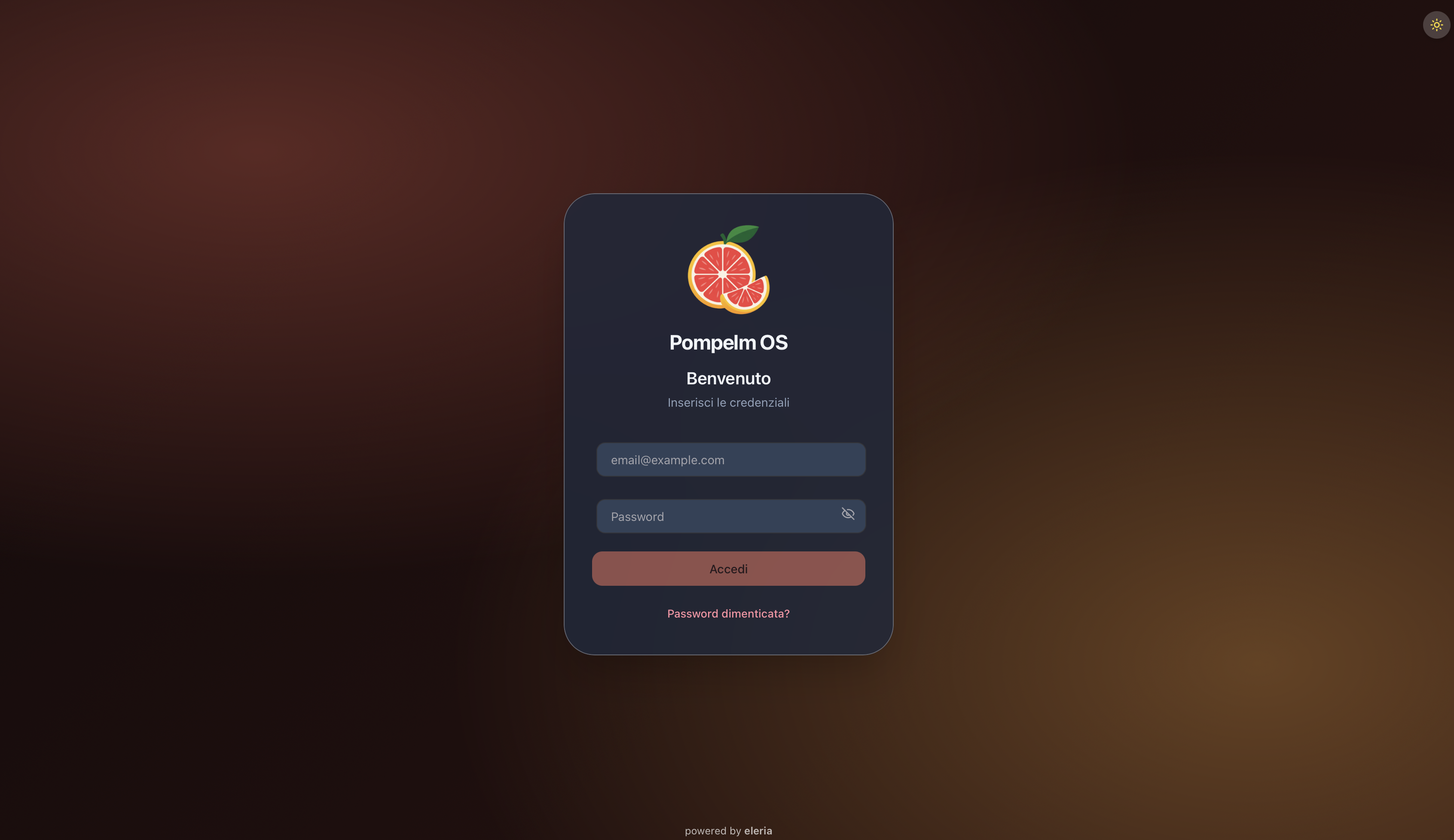
The name, logo and login page are part of the experience. Each product can create its own entrance and keep a recognisable identity throughout the desktop.
AuthAdapterThe login interface and authentication are configured separately: a product chooses the page design and the adapter that talks to its backend.
For developers
Pompelm-OS is a web framework built with React and TypeScript. The core manages the environment; each product assembles its features through public APIs and reusable modules.
defineAppdefineWidgetdefineExtensionEach product connects these modules to its services and retains control over its data and application rules.
The first products
EleCCP and Riservia are the first Eleria products to use Pompelm-OS as the foundation of their interface. A shared experience, applied to different needs.
Food safety, traceability and operational management. Tools that make everyday food safety simpler.
Explore EleCCP
Availability, bookings, events and notifications: Eleria’s infrastructure for organising time.
Riservia in our portfolioPompelm-OS is part of how we build Eleria products.
Back to Eleria